Operating in AUTOMATIC mode
The first time you choose the Automatic Mode (while the pump is not unplugged), a short message is displayed in the screen.

The system asks you to choose the learning cycle, for the pump to match with the wrench that is currently connected.
Connect the hose and the wrench properly. Press the green button to start the pump & then raise the pressure. Set the working pressure (manipulating the pressure regulating valve), according to the conversion chart and the model of torque wrench. Turn the regulating pressure valve counterclockwise, to ensure that at the start up moment the pressure does not raise to an undesirable value
Once the working pressure has been set, follow the instructions in the display to perform the “learning cycle”, by pressing the red button.
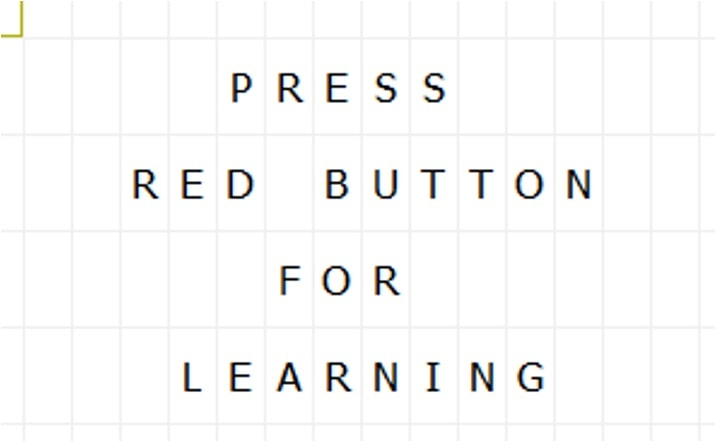
First, place the wrench that is connected to the hose in a safe place on the floor. After pressing the red button, the pump will perform the learning cycle by itself. The user could notice that the piston of the wrench moves up and down, reaching the max pressure set.
After the learning cycle is fully accomplished, the display will show the following message:

The text AUTO indicates that the pump is ready to work in Automatic Mode.
Now place the wrench over the bolt to be tightened. Press & hold the green button to initiate the tightening cycle. The pump will control the movement of the piston until full torque has been reached. The pump stops when the tightening cycle is finished. During last cycle, the wrench applies the maximum pressure for 2 - 4 seconds to secure an optimal torque and load transmission.
When the bolt is been tightening in automatic mode, the user of the pump must not release the green button before the tightening is completed.
Once the pump detects that the nut is tightened, the tightening stops automatically and the pressure falls to 0 bars. Now, the next bolt can be tightened.









































