Summary for ISO 6789:2003
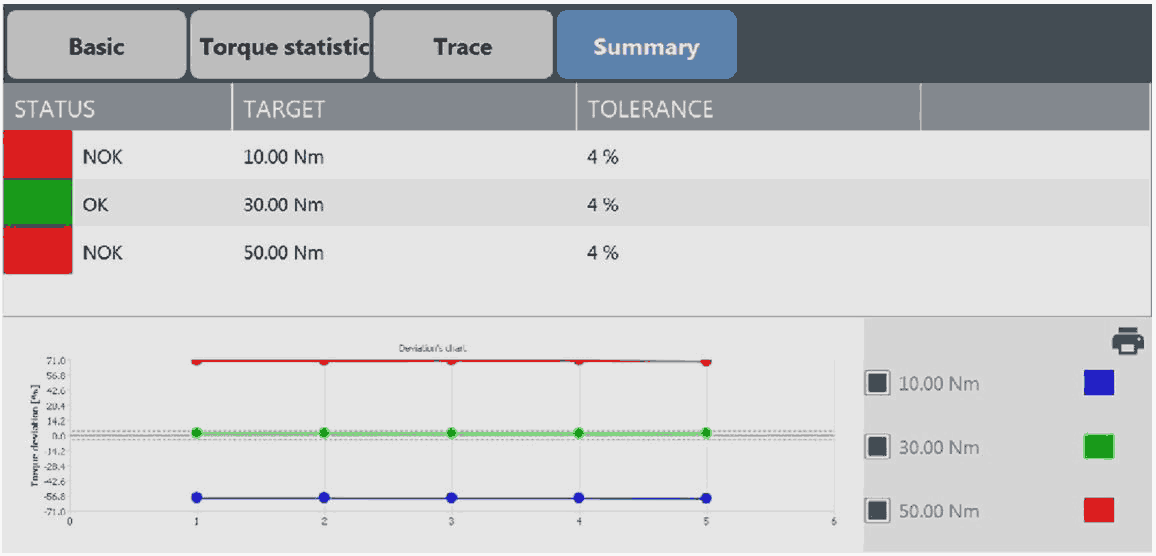
Overall Status: the upper area of the above summary view is the overall status of the inspection. If the label is green colored then all the deviations from the test results are within the tolerance, otherwise the label is red colored.
Deviation’s chart: the deviation’s chart shows the deviation values as points of colored curves; each of them represents the single phase of the inspection.
To print the test report: on the upper-right corner of the Summary category, tap Print report.
To print the test label: on the upper-right corner of the Summary category, tap Print label.
In the label, the following information are shown:
Tool ID
Location of the tool
Date of the next test
Test result (OK, NOK)









































