Editing a Joint
From the Joint page, tap an existing Joint that needs to be modified.
The following is displayed:
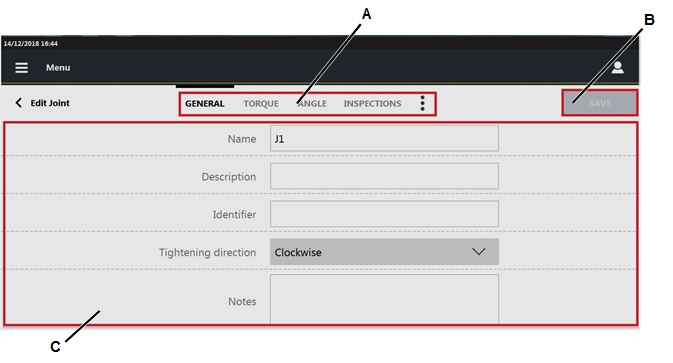
A
Categories
B
Save button
C
Parameters
In the Edit joint page, edit the necessary parameter(s) according to customer needs.
In the Inspection category, it is possible to configure the inspection(s) to perform on the joint. For more information about how to update the Inspections category, see the paragraph Joint inspections.
Tap the More option icon (
 ) > Linked inspection to open the list of the tool inspection linked to the joint
 On the upper-right corner of the Edit joint page, tap Save.
Relevant Information









































