Measure screen
In the Home page, tap Configuration > General settings > Measure screen to enable/disable the display of the following Running measure popup while running a test:
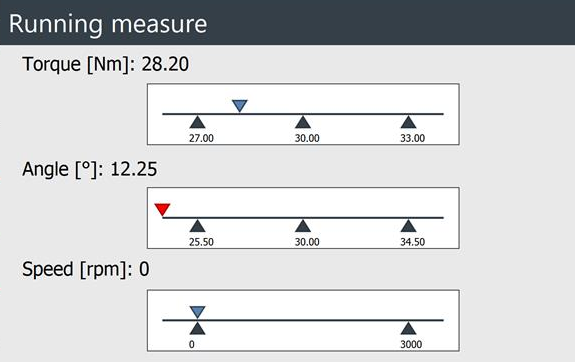
Tap on the check boxes to enable/disable the popup for tests on the following tools:
Click wrench
Power tool
Peak
Pulse tool
By default, the measure overlay is enabled for all tools.
Show tooltip: when the checkbox is selected, the details on the ongoing inspection are displayed by default in the measure screen:










































