Importing joint check inspections on the device
Configure the inspection to import on the device in the file STpad_JointInspectionImportFile.xlms. Then, save the file STpad_JointInspectionImportFile.stpad on the USB storage device (for more information, see Adding a Joint check inspection through the template file).
Insert the USB storage device into the USB port of the device.
From the Home page, tap Configuration > Import / Export > Import joint check.
Tap Import file. The Message If you continue, the database will be overwritten with the imported one. Do you want to continue? is displayed
Tap OK to overwrite the database with the imported inspection(s).
At the end of the import process, the following is displayed:
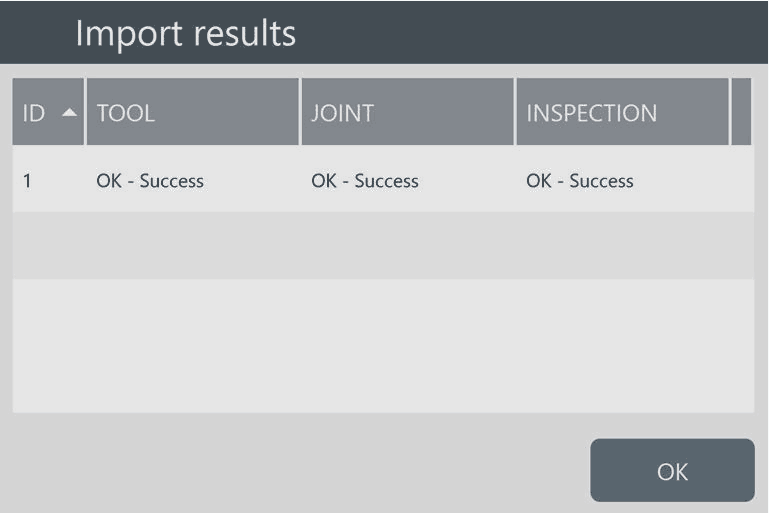
Tap OK to complete the import process.









































